
Demo
See Aeon end-to-end.
This is what your listing looks like through Aeon — capture, stage, tour, publish, all in under a minute.
The regulatory wedge — three rooms
Same room. Same geometry. Only the furniture differs.
Each pair below started with one empty-room photo. The staged version is fal-img2img at low strength — buyers can verify the wall, window, and floor lines didn’t drift.
Living room
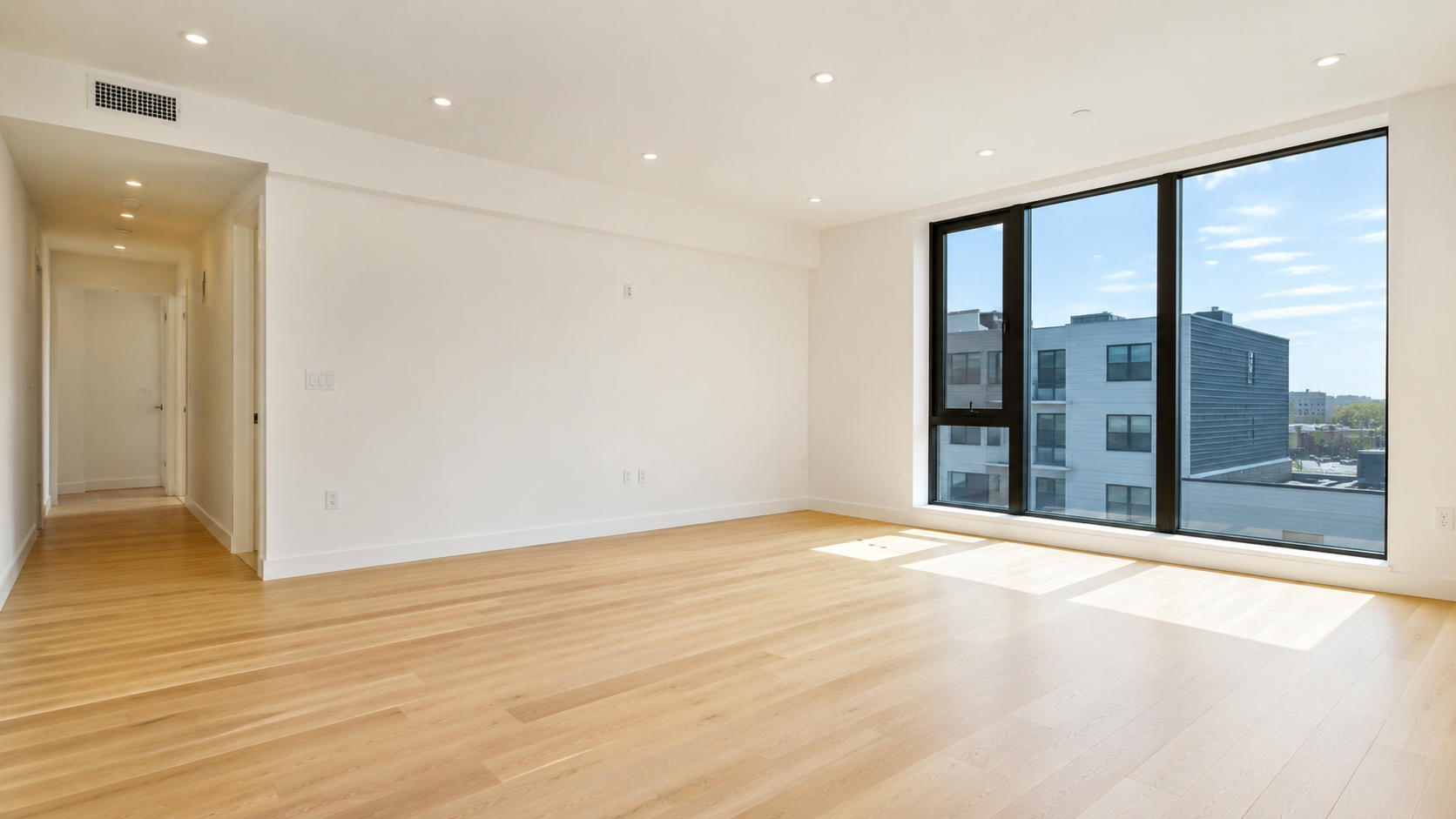
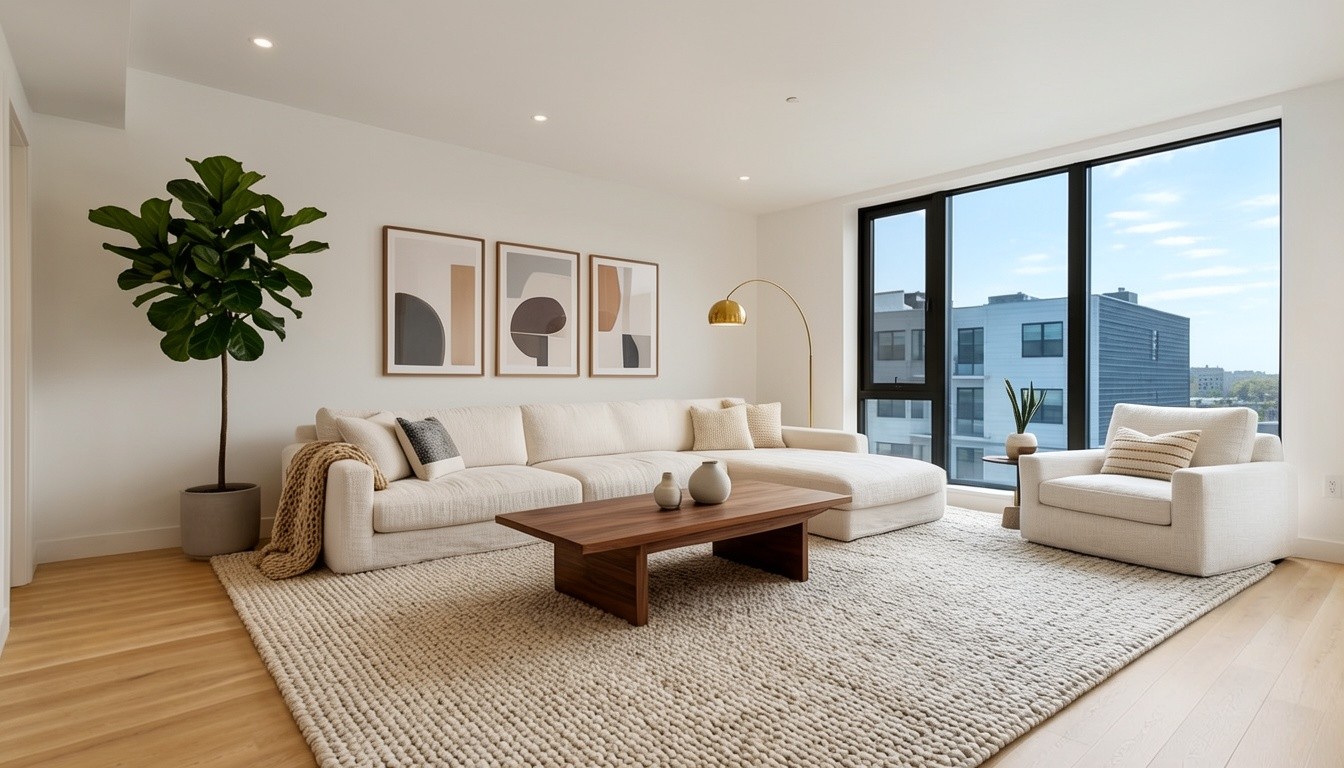
Drag the slider to compare. Walls, windows, and floor lines stay fixed.
Bedroom
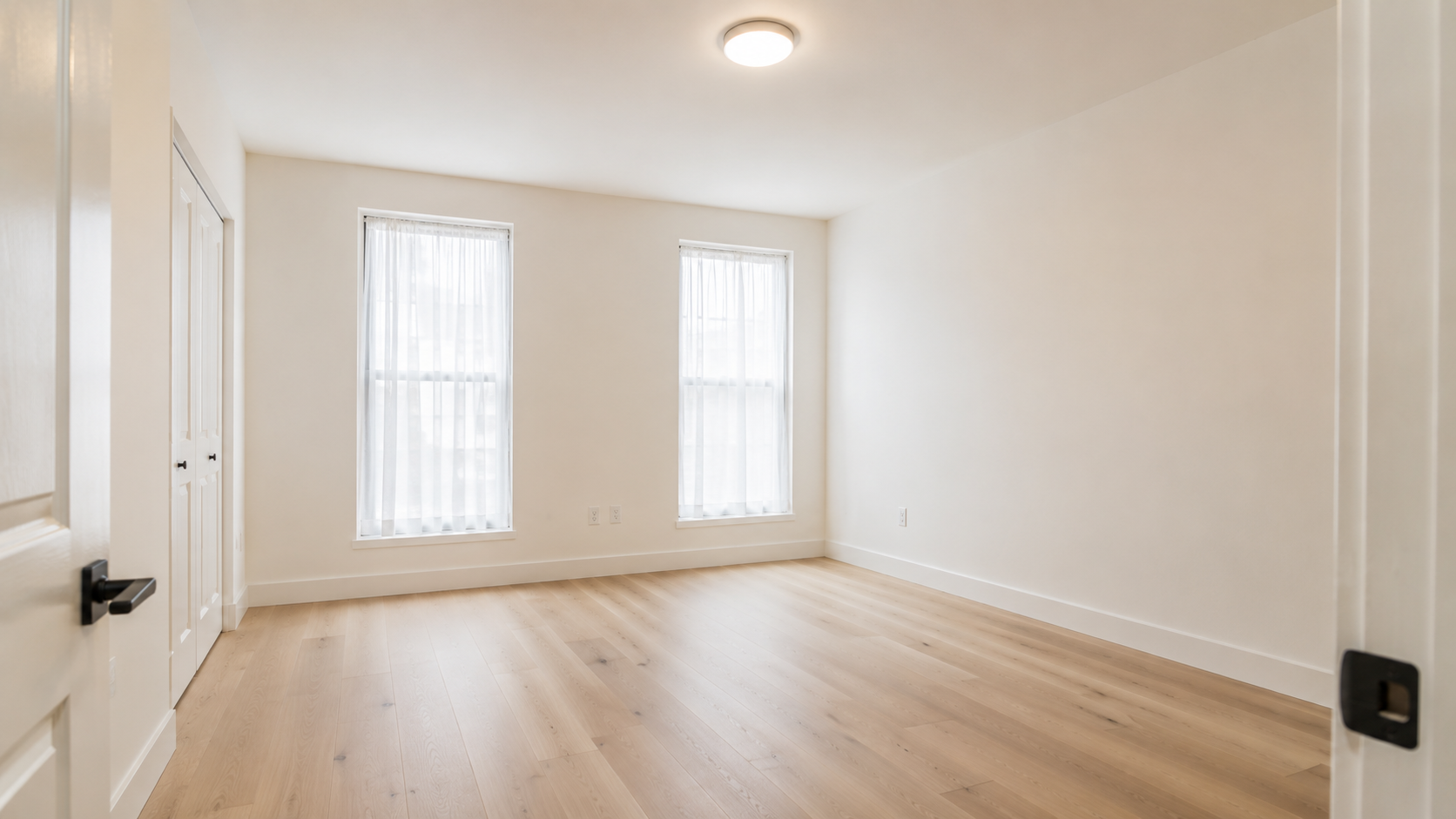
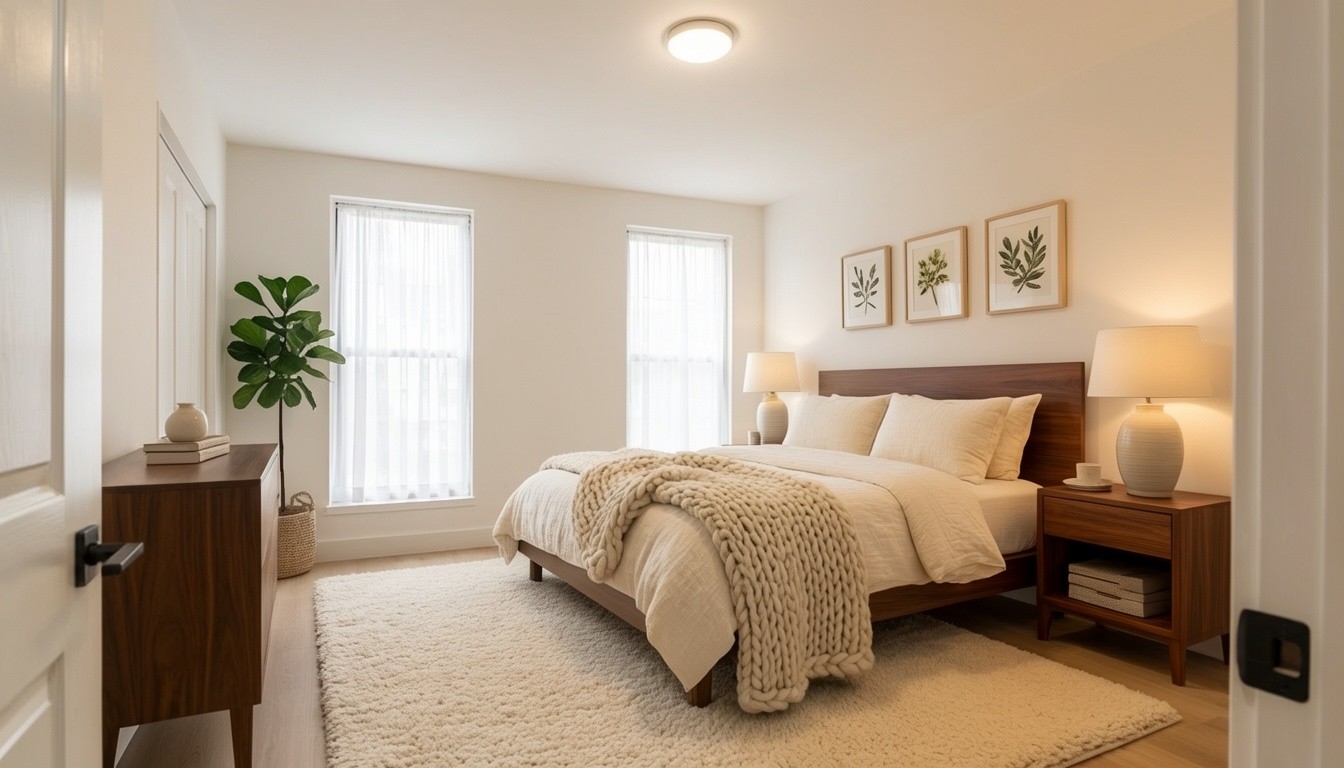
Drag the slider to compare. Walls, windows, and floor lines stay fixed.
Kitchen
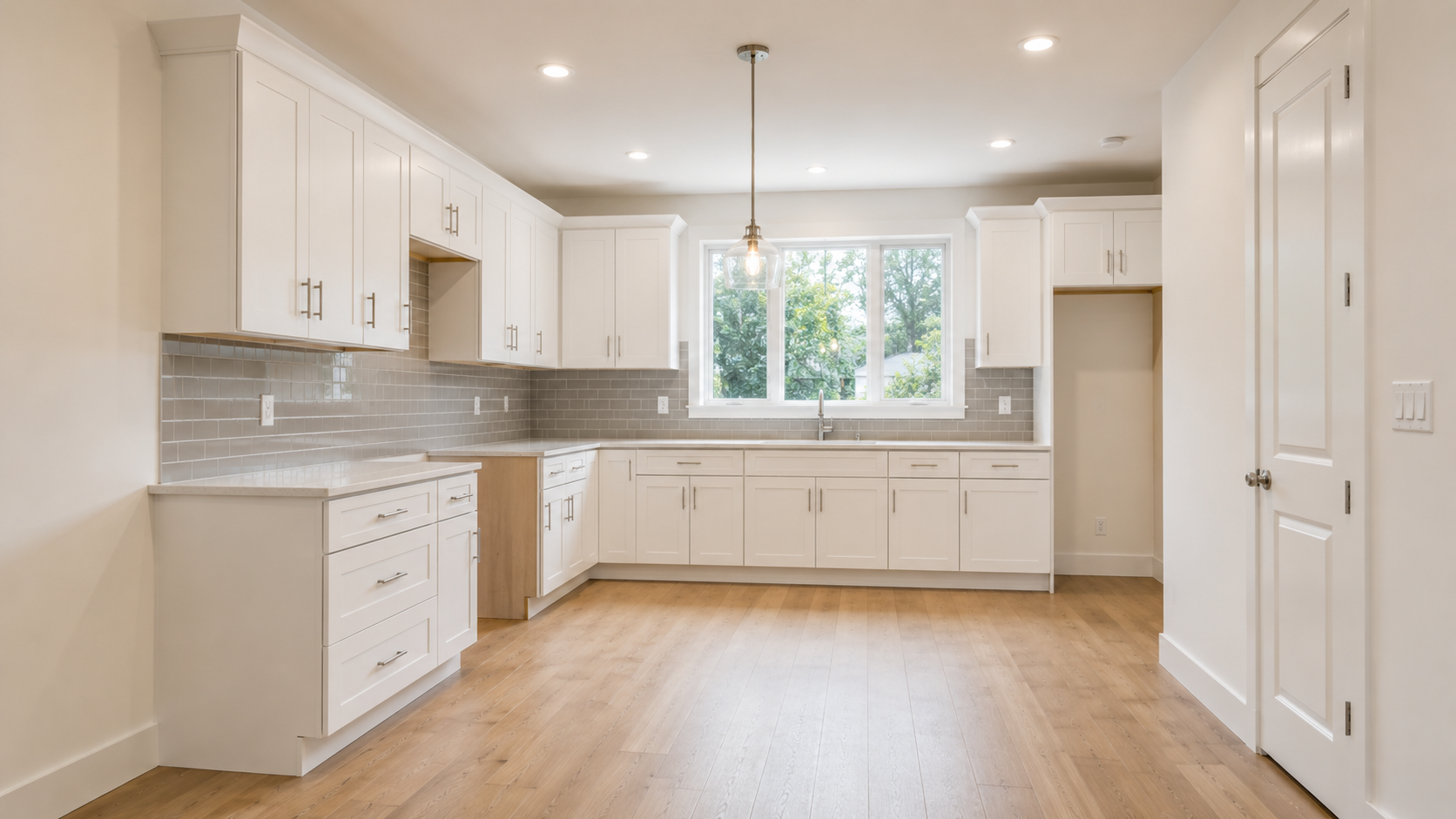
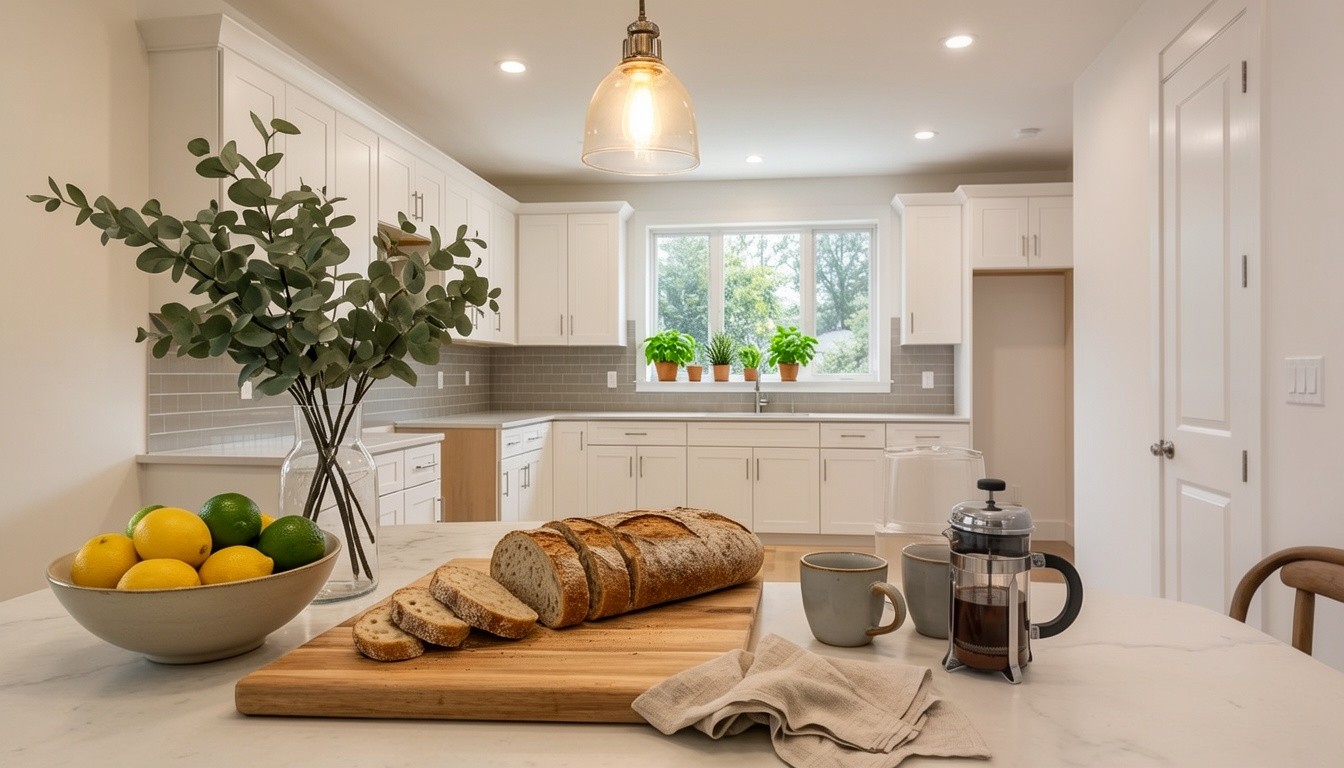
Drag the slider to compare. Walls, windows, and floor lines stay fixed.
How it works
Four steps from raw capture to a published, ingestible listing.
Capture
Walk a room with your iPhone Pro. RoomPlan reconstructs walls, doorways, and windows in 30 seconds. (Or upload a single photo if you don't have a LiDAR phone.)
Stage
Same-room AI staging via Decor8AI. Empty and Staged share the same source pixels — only the furniture differs.
Tour
Multi-room interactive 360 tour with mandatory Empty <-> Staged toggle. Buyers verify ground truth in one click.
Publish
One click pushes a JSON-LD-rich listing page (NAR-aligned disclosure baked in) to the Aeon CDN, plus a RESO Web API export to your MLS.